Table of contents
It’s been a while since the announcement of the last post, but I finally found the time to kickstart the last part of this series. Today, we start gathering all the previous research to make Swift and non-Swift apps that share a common Swift library.
You will find the source code on GitHub as usual.
The simple app layout
The idea is straightforward: we want to make apps with a native UI and a shared Swift library.
Precisely, we’ll make (at least) two apps:
- Apple, with SwiftUI (Swift)
- Android, with Jetpack Compose (Kotlin)
- Maybe cues for Linux and Windows
Following these principles:
- Use SwiftPM for Apple, CMake otherwise
- Link the Swift runtime statically for encapsulation and dead code stripping
- The previous step demands our library to be a shared library (.dylib, .so, .dll)
- No dependencies except
FoundationEssentials
To learn how it really works, and to achieve a scalable design with the smallest footprint.
The simple library
The Swift codebase is the same for all apps, with some OS conditionals if needed in the future. SwiftPM for the Apple app is a no-brainer, and I guess it doesn’t need further explanations.
CMake is the obvious choice for anything else, though. In our case, Android Studio uses CMake for NDK-based builds, and that’s all the Swift Android SDK needs to work. By integrating our Swift library in the Gradle workflow, we’ll get seamless and fast incremental rebuilds for free.
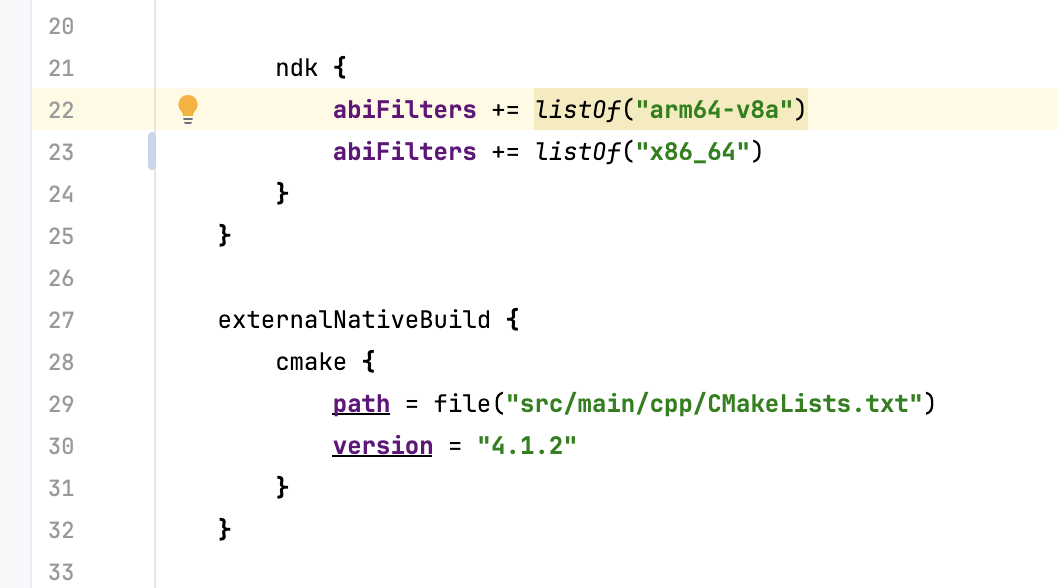
From a programming standpoint, the Swift library exposes its public interface to non-Swift consumers through a public header describing the C ABI (i.e. the @c declarations found in the Swift code).
Wrapping for Android
Compiling Swift for Android with CMake takes a substantial amount of boilerplate for setting up the proper cross-compile environment. However, I arranged convenient CMake tools for that purpose, so that we get away with a very minimal CMake configuration of the native wrapper, basically split into three steps.
First, we build the Swift library as an ExternalProject and feed it a specific environment for the Android NDK and the Swift for Android SDK. By using the mentioned tools, this becomes a one-liner:
include("${CMAKE_CURRENT_SOURCE_DIR}/swift-cmake-toolchains/swift-macros.cmake")
add_swift_library(SimpleLibrary ${CMAKE_CURRENT_SOURCE_DIR}/simple-library)
Then, we merge the Swift library into the wrapper, together with a wrapper.c shim that translates the library ABI to JNI bindings for use in the Kotlin code:
add_library(SimpleLibraryWrapper SHARED wrapper.c)
target_include_directories(SimpleLibraryWrapper PRIVATE ${CMAKE_CURRENT_SOURCE_DIR})
target_link_libraries(SimpleLibraryWrapper PRIVATE SimpleLibrary)
The very last step is to manually distribute a copy of libc++_shared.so with the Android archive. This is a dependency of the Swift runtime.
The simple Android app
That’s it! On each change we make to Swift code, the Android app will rebuild the library before launching.
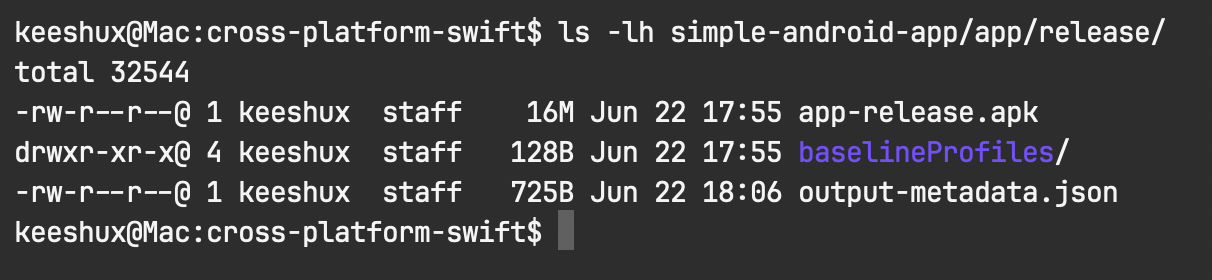
At this initial stage, the whole release .apk with:
- Only the
aarch64ABI - Android API 28
- Minification enabled
- Shrinking enabled
Measures only 16MB, ready for distribution. How cool is that?
First basic interaction
While I want this post to focus on the build layout of the app, we can’t call this an MVP until we set up at least one interaction between the app and the library.
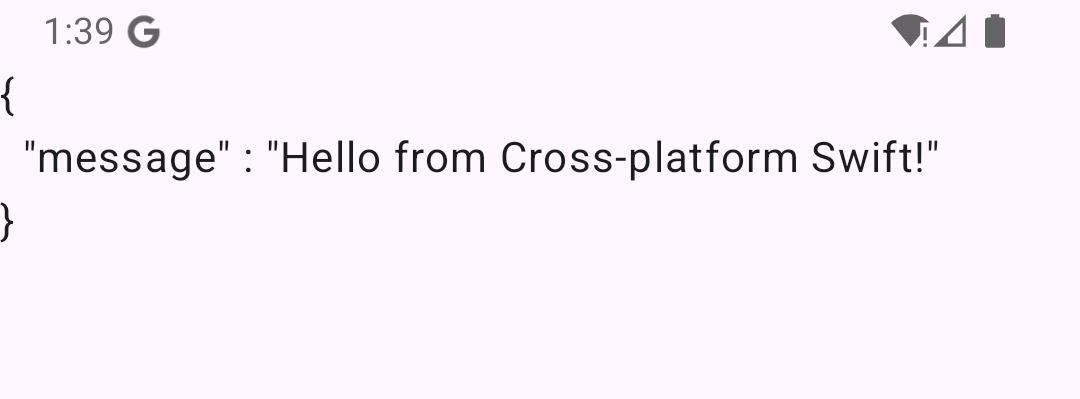
Let’s make our goal extremely basic: fetch a JSON-encoded object from the library and display it in a Jetpack Composable.
Why JSON? To validate two points at the same time:
JSONEncodermust not trigger runtime failures due to missing Swift dependencies.- Encoding a Swift entity across the ABI boundary, but this will make more sense in the next articles.
This may look unexciting, yet it’s a solid starting point for our Swift/Kotlin app:
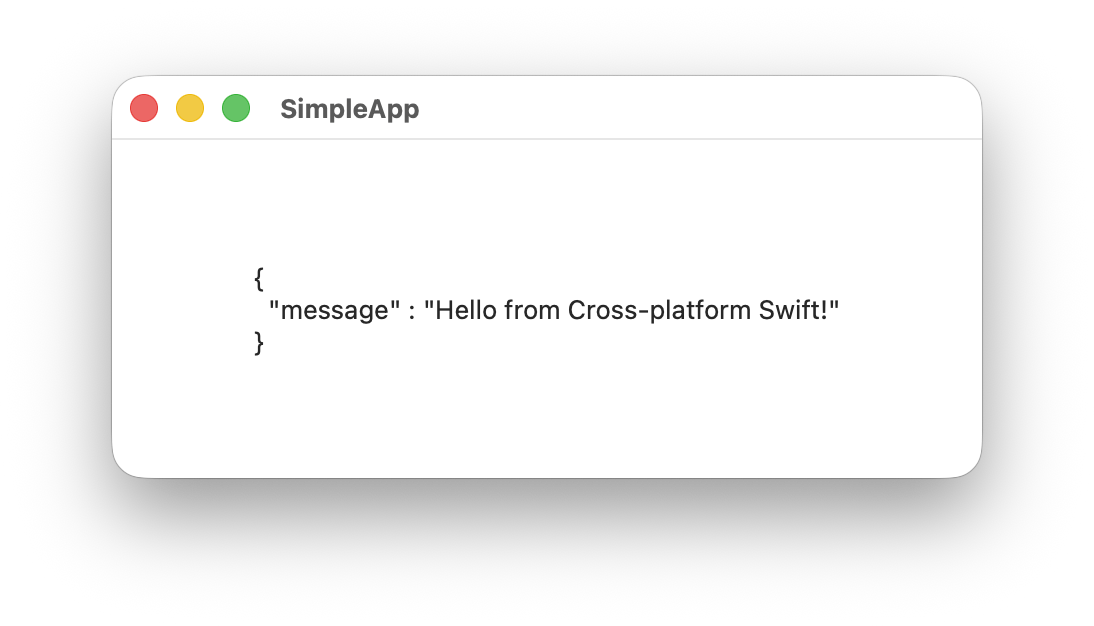
And here’s the SwiftUI version, for completeness:
Bottom line
At last, we got a simple Android/Swift project to put our hands on. The requirements for this setup are strict in that most Swift projects have both SwiftPM and dependencies. But if you’re starting out, feel free to use simple-android-app as a template.
Next time, we’ll go through data interoperability and how to implement the common patterns of a UI application, specifically on Android.